Crimson Gallery
Culture app designA museum guide in black rules, white space and one crimson dot
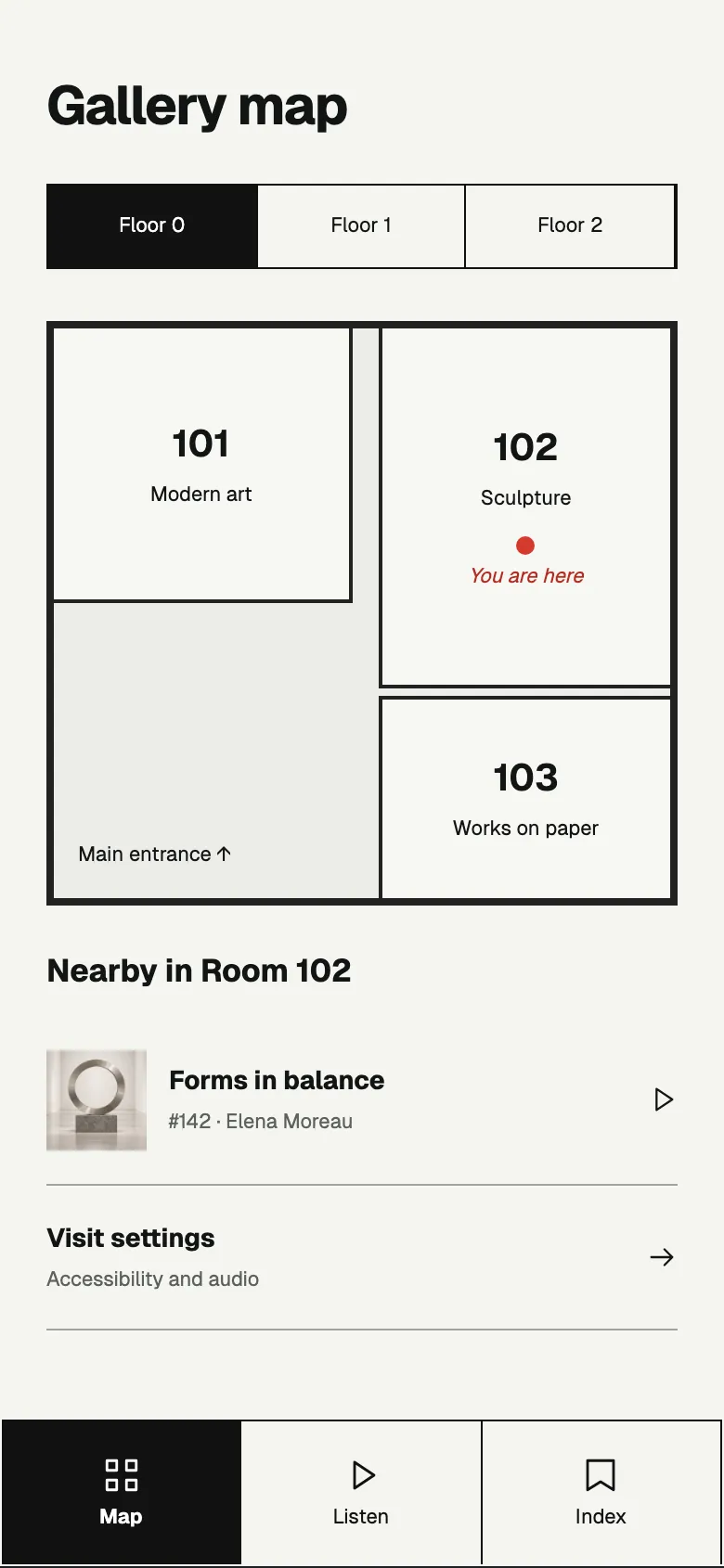
Map
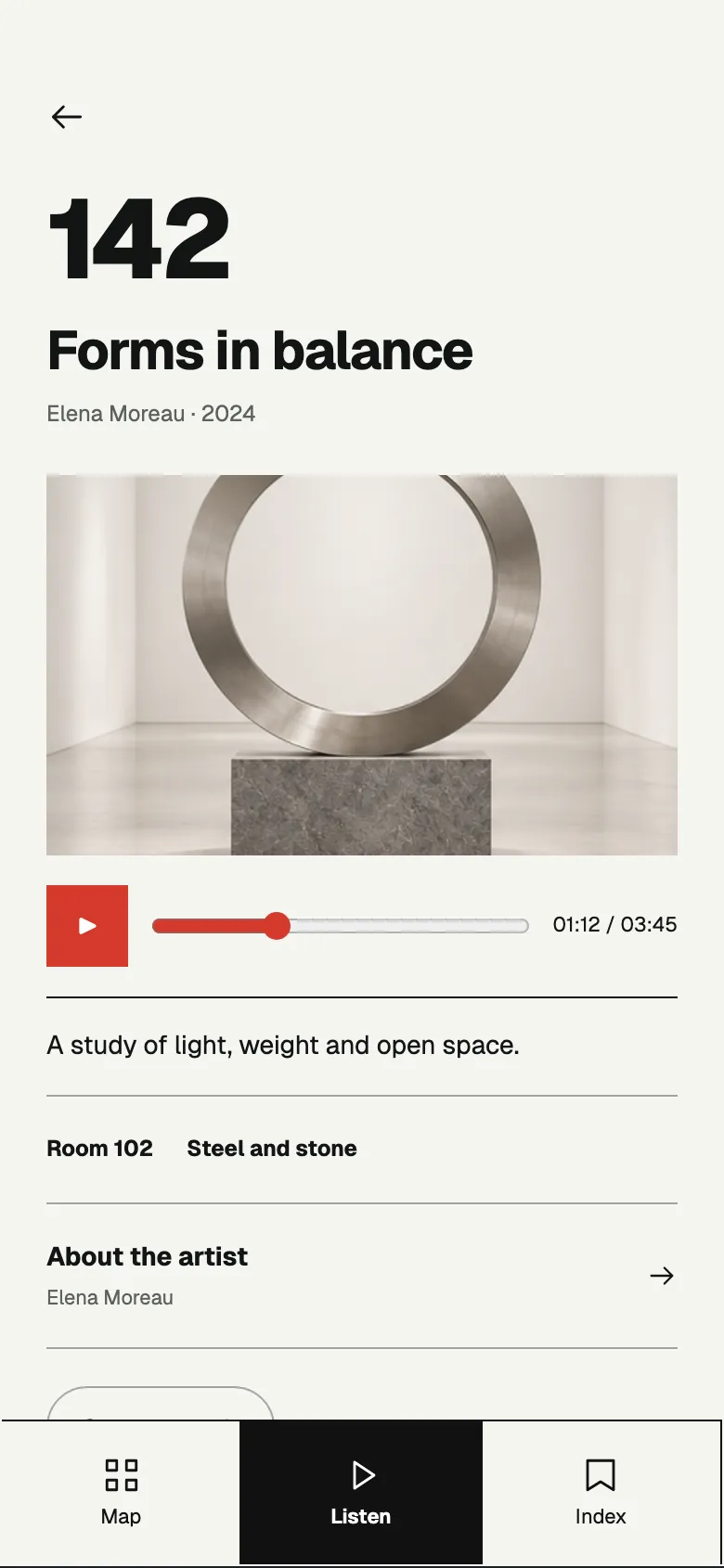
Artwork
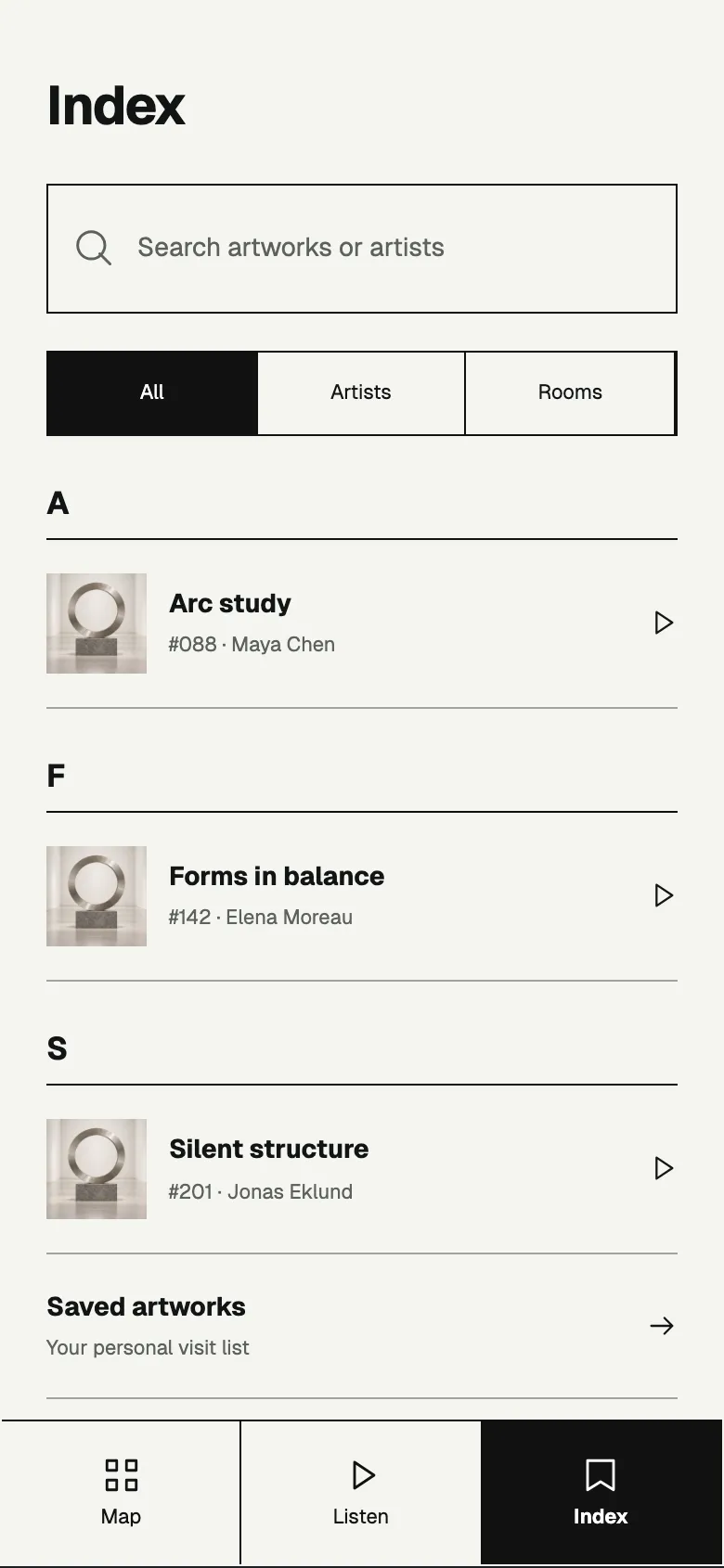
Index
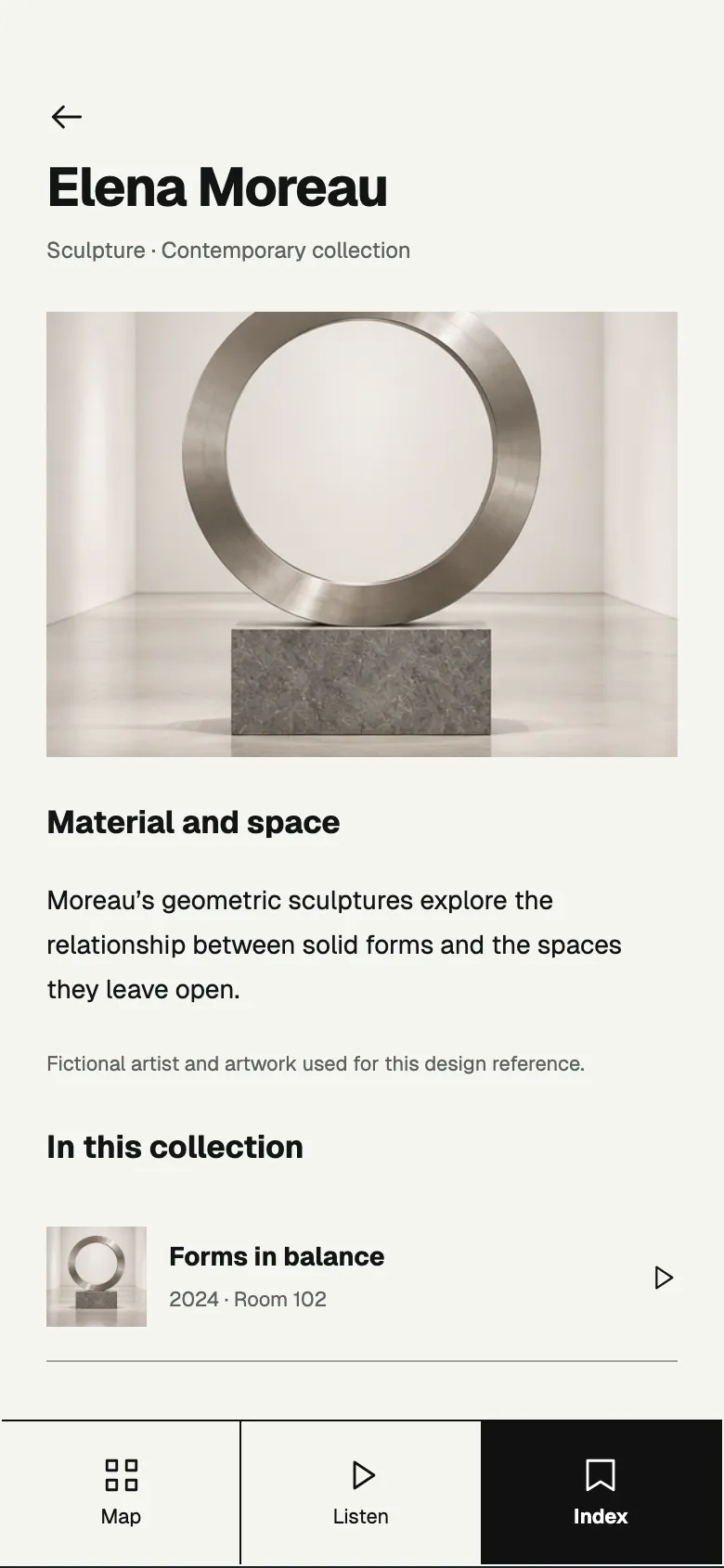
Artist
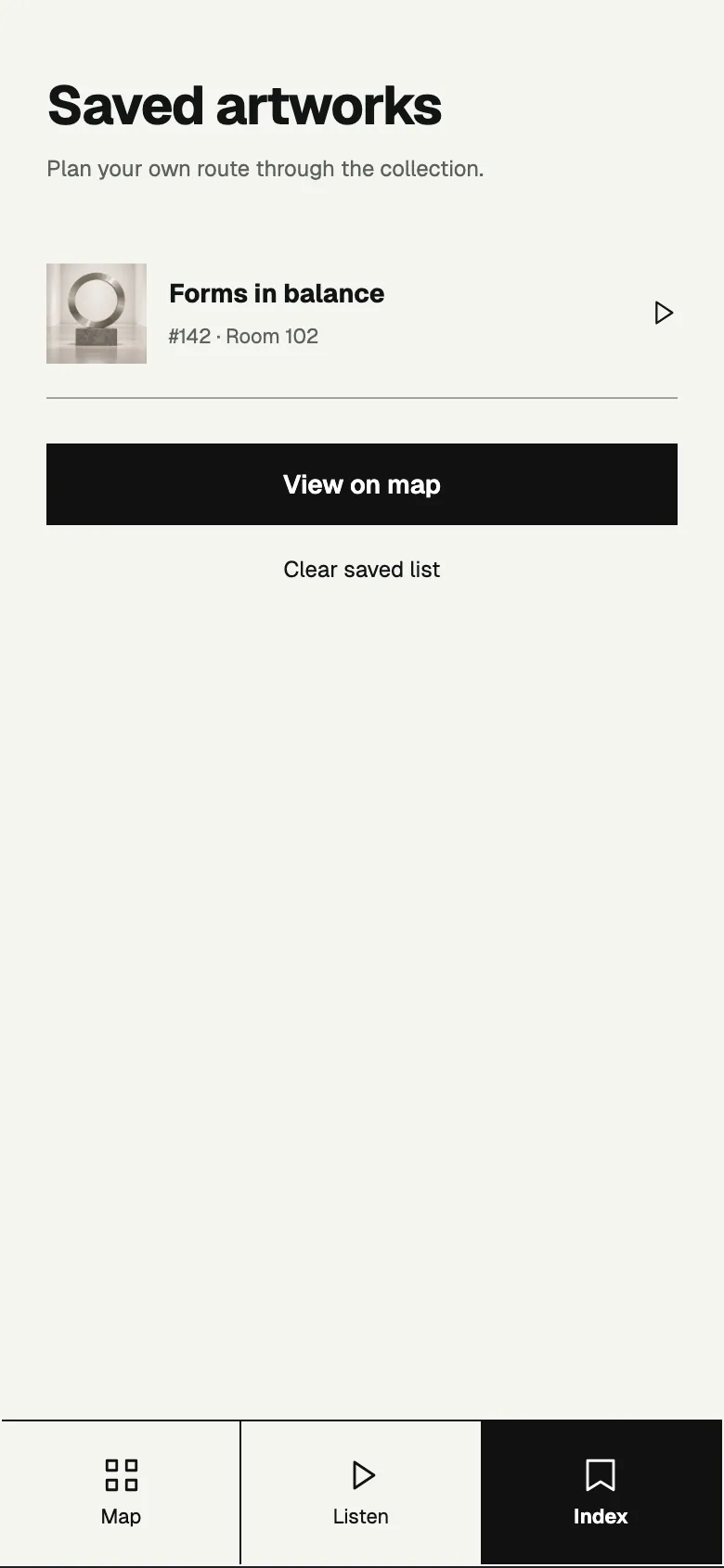
Saved
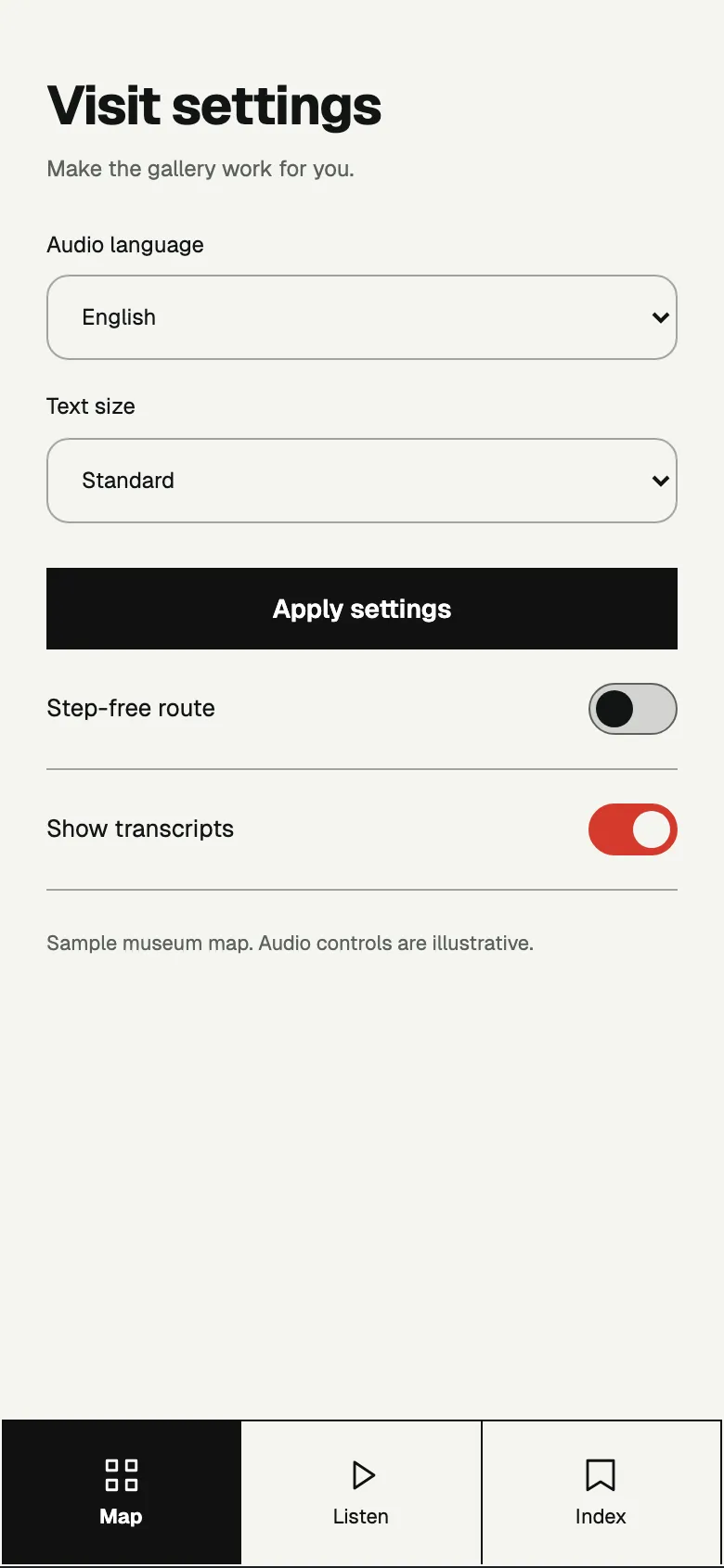
Settings
About this style
A museum guide on gallery white with heavy black rules, square corners, big room numbers and a black block tab bar. Crimson marks “you are here” and audio.
A gallery guide should feel like the wall labels; black rules, white space and one crimson mark keep it exact and calm.
What makes it recognisable
- Heavy black rules and square boxes
- Big bold room and artwork numbers
- Black block for the active tab, crimson for location and audio
How ShipNative uses it
Pick Crimson Gallery when you describe your app and ShipNative plans and draws every screen in this look: the same colours, type and layout rules applied to your features. The screens above are from Atrium, a demo app designed in this style; your app gets its own screens.